
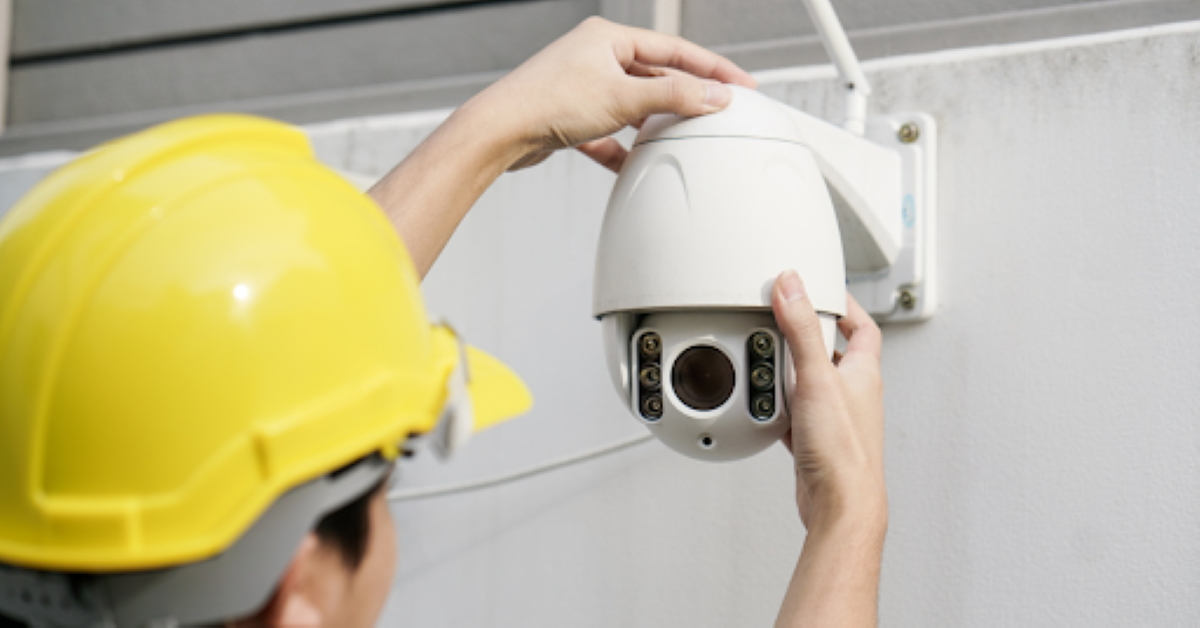
At Clever Cabling, we often hear the question: “how many CCTV cameras do I need for my home in Newmarket?” It is a great question. Every house has its own layout, entrances and weak spots. When folks reach out for a Security Camera Installation in Newmarket, they may think only one or two cameras will do. But the truth is more nuanced. It’s not just about how many devices you buy — it’s about what you cover and how you plan the coverage.
Think of your house in Newmarket as a small site with a few high-risk zones. Entry doors, garage, side windows, backyard. Each of those has its own vulnerability. Our first step with clients is a simple sketch: front entrance, driveway, side access, backyard gate. Then we ask: which of these spots can someone use to gain entry without being clearly seen? Use that map to mark potential camera positions. You’ll likely find 3-4 outdoor locations and maybe 1-2 indoor spots. Industry research suggests average homes often need between two and six cameras. For a typical single-family home in Newmarket you might land around three or four units if your layout is compact and straightforward.
If you live in a bungalow on a standard lot in a quiet part of Newmarket you may only need a few well placed cameras. But if your house is large, has multiple outbuildings, side entrances, a long driveway or separate garage you could need more. For example: one camera on the front entrance, one covering the garage/driveway, one in the backyard, one indoors on the main floor hallway. Then if you have a second floor with lots of windows or a separate side door you might add one or two more. The “average home” estimate of 2-4 outdoor Cameras + 1 indoor camera gives you a baseline. If you aim at fewer than that, you risk blind spots.
Placement is as important as count. We tell clients: don’t just spread cameras randomly. Focus on the likely entry points and paths intruders might use. So outdoors you want a clear view of the front door, garage/driveway, side yard, backyard gate. Indoors you might place one near a stairwell or main hallway that reacts if someone enters. Cover high-value areas (electronics, valuables) but avoid private zones like bedrooms or bathrooms for legal & privacy reasons. Also ensure each camera has unobstructed sight lines. Trees, roof overhangs, vents can interfere. We check those when guiding a home owner.
Many home owners think only outdoors matter. But indoor coverage has value. If someone slips in through a side window, having an indoor camera watching the main hallway means you’re likely to catch them. So our rule of thumb: ensure the perimeter is covered first (outdoors) then add indoor units if you have users, valuables, or want extended monitoring. If you only choose one indoor camera, place it in the busiest zone—entry foyer, hallway, or family room. Too many indoor units may feel invasive. Pick for need. Security.org says that at a minimum you should put a camera at the main entrance then cover other ground-floor exits.
Here are a few realistic scenarios (based on homes common in Newmarket) and the camera count that fits:
We customise counts based on what you need.
You must respect neighbour-privacy. Ensure cameras don’t point directly into a neighbour’s private area (bedroom window, private yard). Indoors avoid private areas like bathrooms or guest bedrooms. Many guidelines warn against placing cameras in locations where occupants expect privacy. If you have indoor units covering parts of your home used by renters, you might need consent. At Clever Cabling we walk you through these rules so you stay compliant.
At Clever Cabling, our security camera installation service in Canada is a complete solution from start to finish. We don’t just mount the cameras, we make sure the entire system works seamlessly as part of your property’s security network. Our package includes:
When deciding how many cameras you need, it helps to know what each type of setup offers. Here are three sample configurations we often recommend for homeowners and small businesses in Newmarket and across Canada.
This set is ideal for front porches, driveways, and garages the most common access points for intruders. The visible red/blue strobe lights and loudspeaker deter potential trespassers before they act, while the 5MP clarity captures crisp footage day or night. It’s a practical way to protect high-traffic zones where visibility matters most.
Why Camera Resolution Matters More Than You Think in Security System
Designed for smaller homes or compact business properties, this set offers strong coverage without stretching your budget. The cameras provide clear 4MP video and reliable night vision, with intelligent detection for both people and vehicles. Built-in microphones and dual lighting enhance visibility and awareness around the clock — making it a smart, affordable choice for everyday security.
When image detail and reliability are top priorities, this 4K set delivers unmatched clarity. It’s perfect for large homes, estate lots, or commercial properties in Newmarket that need critical-area coverage. With 24/7 full-colour video and advanced analytics, you’ll receive instant alerts for suspicious movement, offering the highest level of protection and precision monitoring.
How Can Security Cameras Alert You of Suspicious Activity While You’re Away?
When you live in Newmarket and you choose the right number of security cameras you get solid coverage, good value and peace of mind. We at Clever Cabling help you chart your home’s layout, pick the spots, decide how many units fit your budget and property size, install them cleanly and ensure everything works smoothly. If you are trying to figure out your optimal camera count or want a full service setup we’re ready to chat.
1. How many CCTV cameras do I need for a small house in Newmarket?
A small house with a basic lot often needs around 3-4 cameras: one front door, one driveway/garage, one backyard, plus maybe one indoor hall or living room. That gives good coverage without going overboard.
2. Can I install fewer than that and still be safe?
Yes you can, but you’ll likely leave some blind spots. If you choose only one camera you’ll cover one key point but others will remain unmonitored. The cost savings might not justify the risk in many cases.
3. Are indoor cameras necessary?
Not always. If you have limited budget and your exterior is well covered, you might skip indoor units initially. But if you have valuables, open-plan living, or access routes inside your home you want to monitor, then an indoor camera adds value.
4. Will adding more than six cameras make a big difference?
For some larger homes yes. Once you cover the perimeter and main interior zones, more units may add diminishing returns. Instead of adding cameras everywhere, optimise placement. If you still have blind spots (side yards, outbuildings), then adding more makes sense.